
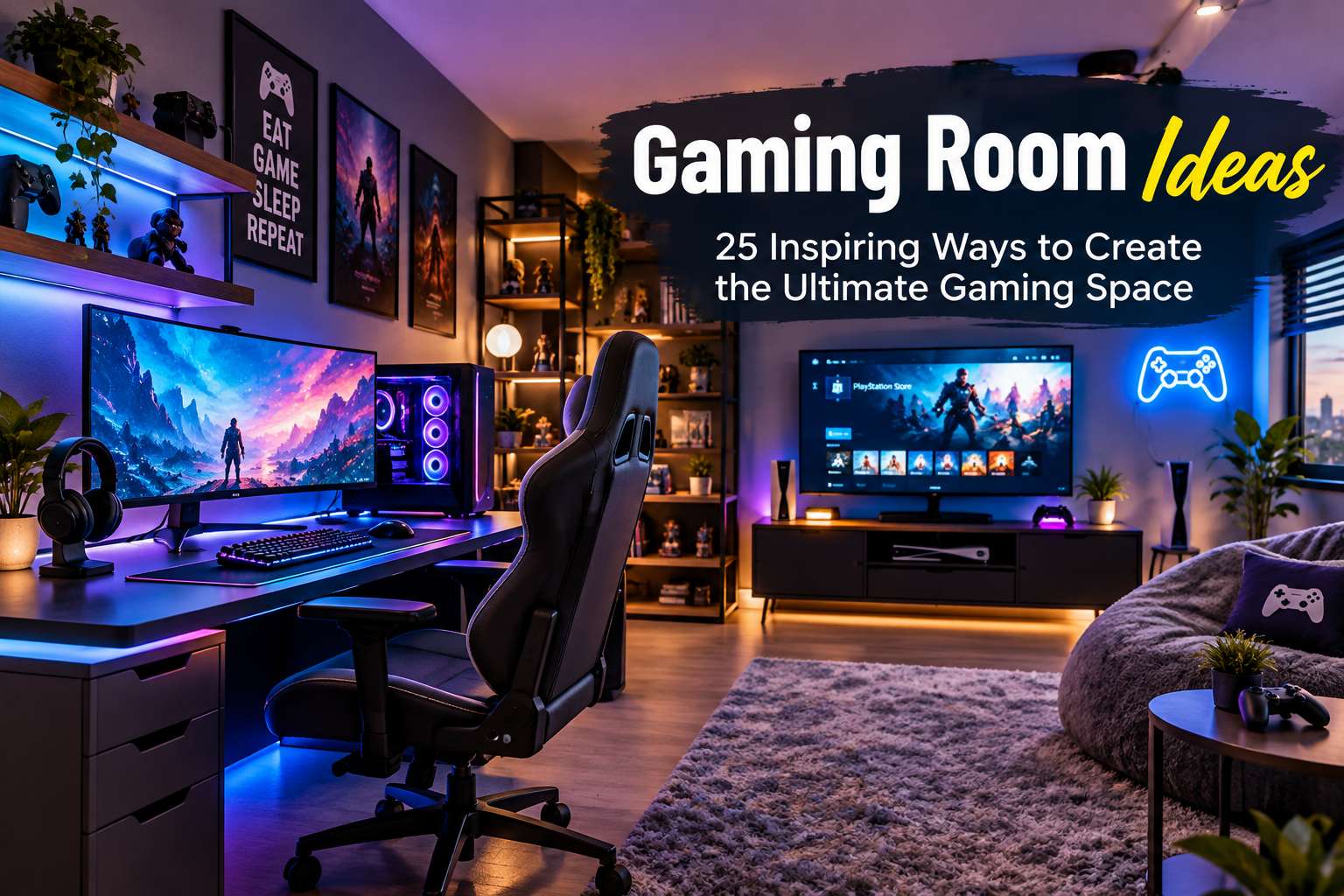
Creating a gaming space can transform the way you play, relax, and enjoy your favorite games. The best gaming room ideas combine comfort, functionality, technology, lighting, and personal style to create an environment that feels exciting without becoming overwhelming. Whether you have a whole room available or are working with a small corner of your bedroom, thoughtful planning can help you build a gaming setup that looks great and performs even better.
A gaming room does not have to be expensive or packed with unnecessary equipment. With the right layout, furniture, lighting, storage, and decorative touches, you can create a space that reflects your personality while keeping everything organized.
Part 1: Core Design & Layout Fundamentals
1. Choose a Gaming Room Theme
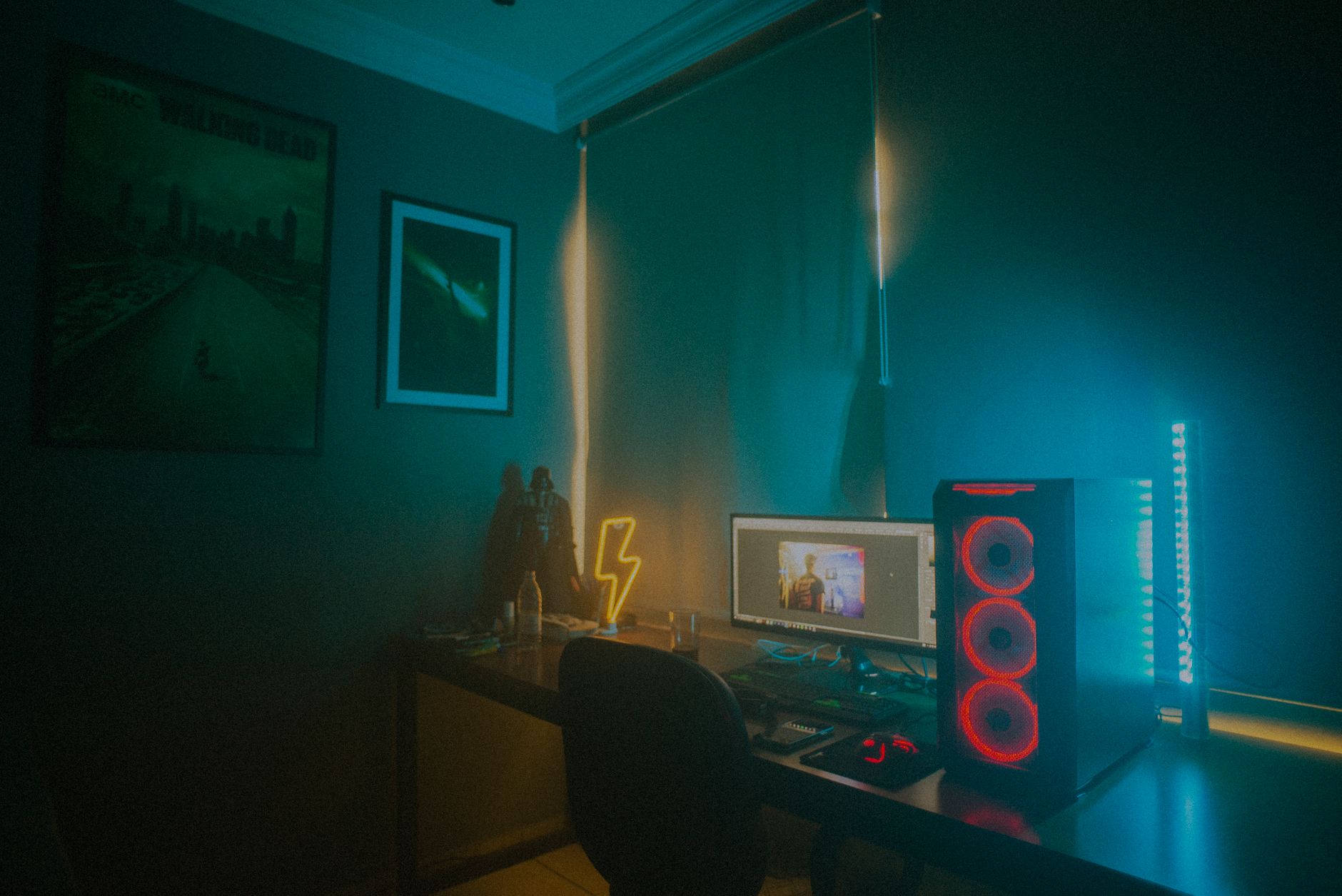
One of the best ways to create a cohesive gaming space is to start with a theme. Your theme can be based on your favorite game, console, gaming genre, colors, or overall aesthetic.
For example, you could create a high-tech setup with LED lighting and sleek furniture or choose a minimalist design with neutral colors and limited decorations.
Popular themes include:
- Cyberpunk-inspired rooms
- Racing setups
- Retro gaming rooms
- Esports-inspired spaces
- Console gaming rooms
- PC gaming studios
- Fantasy-themed rooms
- Minimalist gaming spaces
Choose a theme that you genuinely enjoy because you will likely spend hours in the room.
2. Build Around Your Gaming Desk
The gaming desk is usually the centerpiece of a PC gaming setup. Look for a desk that provides ample surface area for your monitor, keyboard, mouse, speakers, and other accessories.
A spacious desk can also make cable management much easier. Consider a desk with built-in cable holes or storage compartments if you want a clean appearance. For smaller rooms, a compact corner desk can provide plenty of functionality without taking up excessive floor space.
3. Invest in a Comfortable Gaming Chair
Comfort is one of the most important considerations when designing a gaming room. While a stylish setup is great, spending hours in an uncomfortable chair can quickly become frustrating.
Look for a chair that provides:
- Adjustable height and armrests
- Adequate lumbar support
- Generous cushioning
- Good posture support
- Durable, breathable materials
You do not necessarily need the most expensive gaming chair—a quality ergonomic office chair can also be an excellent choice.
Part 2: Lighting, Visuals, and Audio
4. Add RGB and Ambient Lighting
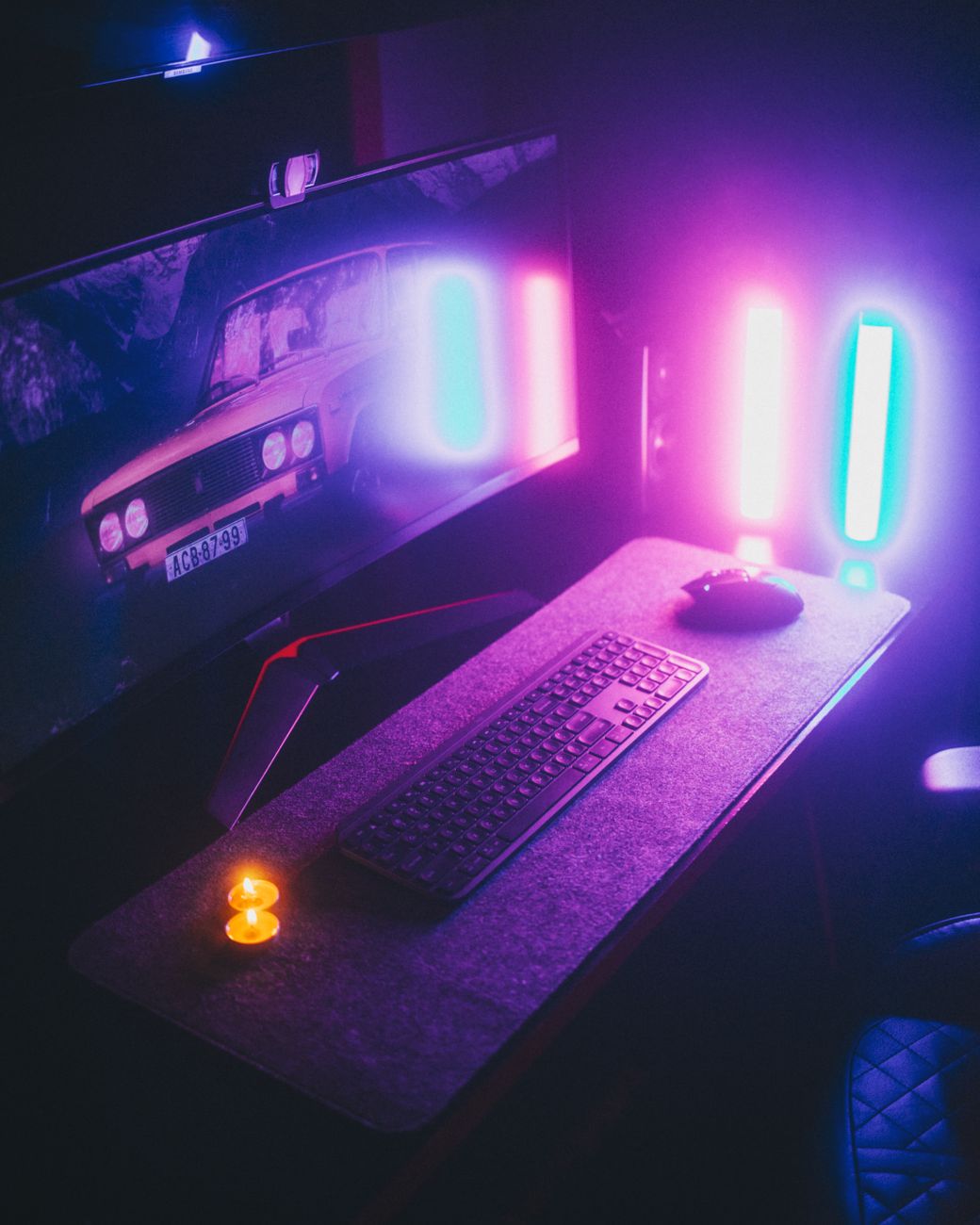
Lighting can dramatically change the atmosphere of your gaming space. RGB lighting is particularly popular because it allows you to customize the colors according to your mood or game.
LED strips can be installed behind the desk, around shelves, behind monitors, or along the walls. Smart bulbs can also allow you to change colors and brightness using a mobile app. Instead of making every light extremely bright, consider combining several subtle sources of illumination to create an immersive environment.
5. Create a Wall-Mounted Gaming Display
Your walls provide vast opportunities for decoration and storage. Wall-mounted shelves can display controllers, collectibles, headphones, figures, and gaming accessories.
You can also use floating shelves to create a modern appearance. Arrange objects at varying heights rather than placing everything in a straight line to turn your collection into a key part of the room’s design.
6. Design a Small Gaming Corner
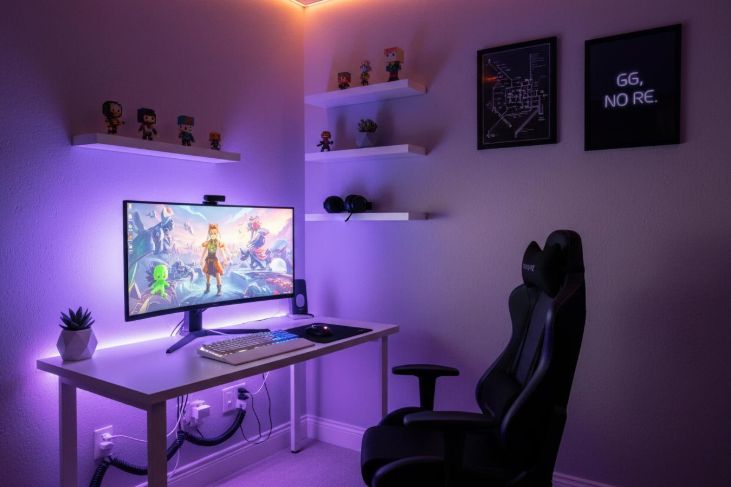
You do not need a full room to create a great gaming environment. One of the most practical gaming room ideas for apartments and bedrooms is to convert an unused corner into a dedicated gaming station.
Start with a compact desk, a comfortable chair, a monitor, and wall-mounted storage. Keep the colors consistent with the surrounding room so that the gaming area feels intentional rather than squeezed into an available space.
7. Try a Minimalist Gaming Setup
Minimalism can make a gaming room feel larger and more sophisticated. Instead of covering every wall with posters and decorations, choose a few statement pieces.
Key elements of a minimalist setup:
- A simple, clean desk
- One or two monitors with minimal bezels
- Completely hidden cables
- Neutral wall colors
- Subdued decorations and under-desk storage
8. Create a Dual-Monitor Setup
If you use your computer for gaming, streaming, editing, or multitasking, a dual-monitor setup can be extremely useful. One monitor can be dedicated to gaming while the second displays chat, music, guides, streaming software, or other applications.
Mounting the monitors on adjustable arms can free up valuable desk space and give the setup a cleaner appearance.
Part 3: Specialized Setups & Atmosphere
9. Add a Gaming TV
PC gaming is not the only way to enjoy a dedicated gaming space. If you prefer consoles, consider making a large television the centerpiece of the room.
Mount the TV on the wall to save floor space, and place the console, controllers, and accessories on a media cabinet underneath. A comfortable sofa or recliner can turn the room into a multipurpose entertainment space for gaming, movies, and streaming.
10. Use Acoustic Panels
Sound is often overlooked when planning a gaming room. Hard walls and floors can cause sound to bounce around the room, creating unwanted echoes.
Acoustic foam or fabric panels can help improve the room’s audio characteristics while serving as an attractive design feature. You can find panels in various shapes, textures, and colors to arrange in decorative patterns.
11. Add Gaming-Themed Wall Art
Wall art can instantly personalize your room. Consider posters, framed artwork, canvas prints, neon-style signs, or artwork inspired by your favorite games. Avoid overcrowding the walls; instead, choose a few high-quality pieces that work well together.
12. Create a Neon Gaming Wall
Neon-style LED signs are another dynamic option for gamers who want a dramatic atmosphere. A simple sign featuring a gaming-related symbol, phrase, or icon can become the centerpiece of a wall when paired with subtle accent lighting.
13. Improve Cable Management
Proper cable management is critical. Gaming setups can quickly become messy due to power cords, HDMI cables, USB connections, speakers, and network lines.
Essential cable management tools:
- Cable sleeves and Velcro ties
- Under-desk cable trays
- Cable clips and organizers
- Mountable power strips
Keep cables grouped together and label them if necessary. A clean cable system can make even an inexpensive setup look professionally designed.
14. Add a Dedicated Headset Stand
Gaming headphones should have a designated location when they are not being used. A headset stand keeps them accessible while protecting them from damage. You can place a stand directly on the desk or install an under-desk headphone hook.
Part 4: Comfort, Organization, and Personal Touches
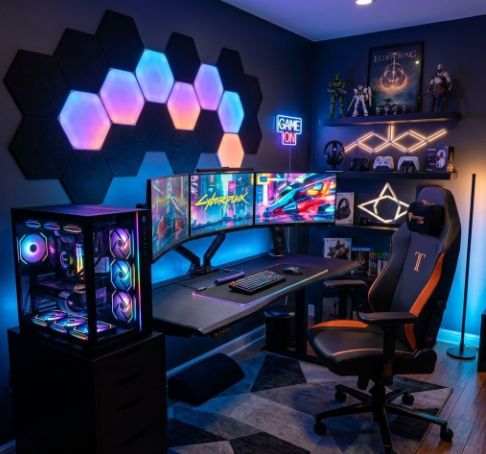
15. Build a Cozy Console Gaming Area
If you prefer console gaming, make the room comfortable enough for long sessions. A sectional sofa, beanbag chair, recliner, or oversized floor cushion can provide great alternatives to a desk chair. Add a side table for drinks and snacks, and use soft lighting to keep the space relaxed.
16. Use Smart Storage Solutions
Gaming accessories can quickly accumulate. Use drawers, cabinets, baskets, shelves, and storage boxes to keep controllers, games, cables, and charging docks organized. Vertical storage is particularly useful in smaller rooms because it utilizes wall space instead of floor area.
17. Add a Gaming Area Rug
A rug can make a gaming room feel warmer, reduce echo, and visually define the gaming area within a bedroom or shared space. Choose a design that complements your overall theme—geometric patterns suit modern rooms, while colorful designs add vibrancy.
18. Create a Streamer-Ready Setup
If you stream your gameplay, your room needs to work as both a gaming and content-creation space.
Key streaming additions:
- A high-quality microphone on an adjustable arm
- A clear webcam or mirrorless camera
- Proper key lights or ring lights
- Background acoustic treatment and visually interesting decor
19. Add Seating for Friends
Gaming is often a social activity, so consider adding extra seating if space allows. A small sofa, loveseat, beanbag, or folding chairs make it easy for friends to join in on local multiplayer games.
20. Experiment with Darker Paint Tones
Dark walls—such as charcoal, navy, deep gray, or matte black—can create a dramatic, theater-like gaming atmosphere. If a full dark room feels too small, paint one dark accent wall directly behind your display to make LED lighting pop.
21. Create a Retro Gaming Sanctuary
Retro gaming enthusiasts can design a nostalgic room focused around classic consoles and arcade decor. Display vintage controllers, game cartridges, classic posters, or even a tabletop arcade cabinet to capture an authentic old-school feel.
22. Introduce Plants for Balance
Plants soften the industrial look of a room filled with screens, wires, and plastic. Small potted succulents or leafy plants add fresh color. If your room lacks natural sunlight, low-light plants or high-quality artificial greenery work just as well.
23. Make Your Setup Ergonomic
Prioritize your health by making ergonomics a core part of your room design. Position your monitor at eye level to prevent neck strain, place your keyboard and mouse at a natural height, and adjust your chair to support your back properly.
24. Personalize Your Space
Small personal touches often make the biggest difference. Showcase collectibles, action figures, books, sports memorabilia, or custom artwork. Your gaming room should feel uniquely yours rather than a generic retail store display.
25. Design a Flexible Entertainment Hub
If you don’t game every single day, design the space to serve multiple purposes. Multi-functional furniture—such as storage ottomans or modular seating—allows your room to transition seamlessly between a gaming den, movie theater, and home office.
Planning and Execution Guide
How to Plan Your Gaming Room on a Budget
You don’t need to buy everything at once. Start with the basics and build your dream setup over time:
- Phase 1: Invest in a sturdy desk, a supportive chair, and essential gaming hardware.
- Phase 2: Execute basic cable management and establish good room lighting.
- Phase 3: Add decor, wall shelves, acoustic panels, and secondary accessories.
Tip: Shopping secondhand for desks, shelves, or entertainment centers is a great way to save money—you can easily refresh older furniture with a coat of paint!
Common Gaming Room Design Mistakes to Avoid
- Overcrowding: Avoid putting too many gadgets on a small desk or blocking windows with heavy furniture.
- Lighting Glare: Don’t place bright lights directly opposite monitors, as glare can cause eye strain.
- Ignoring Cables: Always plan cord routing and outlet access before setting up heavy furniture.
- Copying Others blindly: Choose a layout that fits your actual room size, lifestyle, and gaming habits rather than copying a photo online.
Frequently Asked Questions
What should every gaming room have?
At minimum, a functional gaming room needs a supportive chair, a proper desk or TV stand, your preferred gaming platform (PC or console), a display, decent lighting, and clean cable management.
How can I make a small gaming room look bigger?
Use compact or wall-mounted furniture, vertical floating shelves, light-colored paint, and clear floor areas to keep the room feeling open and airy.
What color is best for a gaming room?
Dark gray, matte black, navy blue, and clean white are popular base colors. Accent colors can easily be added through customizable RGB lighting and wall art.
Are LED lights really necessary for gaming rooms?
While not strictly required, LED lights allow you to customize ambient brightness, set the mood for different game genres, and reduce eye strain in dark rooms.
How do I organize messy gaming cables?
Use a combination of under-desk cable trays, flexible cable sleeves, Velcro straps, and adhesive wire clips to bundle and route cords neatly out of sight.
Can I create a gaming setup in my bedroom?
Yes! Converting a corner of your bedroom with a compact desk, floating wall shelves, and subtle lighting can create a dedicated gaming zone without overwhelming the rest of the bedroom.
Final Thoughts
Designing an incredible gaming space isn’t just about spending money on expensive gear. The best setups prioritize comfort, smart organization, effective lighting, and personal style.
Start with the essentials, plan your layout carefully, and upgrade your space over time. With a bit of creativity, even a small corner can become the ultimate gaming destination.